
Solutions › Embedded Edge AI › F&B Video Analytics
F&B Video Analytics
Embedded Edge AI · Covers, table turns and kitchen stations, counted on site
See how service actually runs, without standing there counting. F&B Video Analytics is designed to look at the counter, the kitchen, the dining room and the door, and turn what your cameras see into numbers a manager can use: covers by table, how long a table takes to turn, which kitchen station stands empty and when. The model runs on a small computer on site, and the footage stays in the building.
Counts people; does not identify them. Runs on hardware on your premises.
Illustration of the planned service screen, with example data. It is not a recording of a live service.
Reconstructed from memory
Most restaurants know what they sold. Few know how the room behaved. The till says how many dishes went out. It does not say how many people sat at a table for four, how long they stayed, how many left the queue without ordering, or which kitchen station stood empty at the peak. That is usually rebuilt from memory at the end of the night.
The gaps are ordinary ones, and none of them is anybody being careless:
Covers keyed in, not counted. The number depends on someone typing it at the till, and a shared table or a walk-in is easily missed.
Turns judged by feel. How long a table stays, and how long it then waits to be reset, is guesswork, so a slow meal and a slow clear look the same.
Queues nobody sees. People who arrive, see the wait and leave never reach the till, so they never appear anywhere.
Stations staffed by habit. Rotas follow last month’s habits. Nobody has a record of the station that stood empty at half past seven every Friday.
Comparison of method, not a benchmark. Counts are checked against a manual count on your premises during the site survey, before you rely on any number.
From room to number
Five steps, on every camera. Nothing in them needs to know who anybody is.
Cameras over the counter, the kitchen, the dining room and the door.
People are found in each picture, staff and guests kept apart.
Each person is placed at a table, station, counter or door marked on the camera view.
Seated, gone, reset. Staffed, empty. Waiting, served. Each is timed.
Numbers go on, by service and by day. The pictures stay on site.
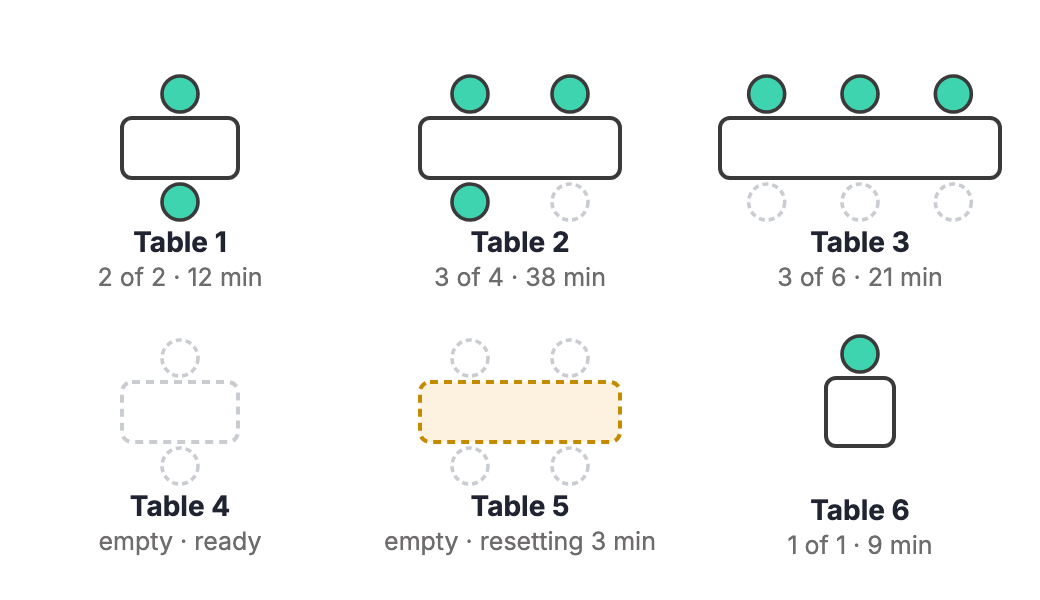
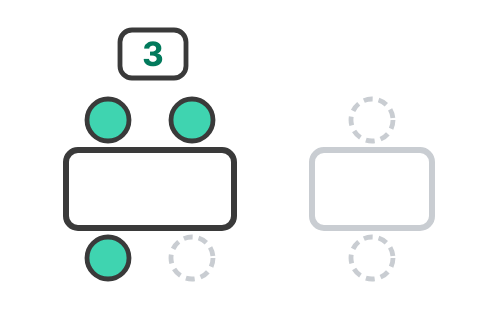
Covers. People at each table against the number it seats. A table of six with three at it is reported as exactly that: partly occupied.
Table turn. In two halves: guests seated to guests gone, then gone to ready again. A slow meal and a slow reset are different problems.
Counter and queue. Customers at the counter, how long they wait, and people who arrive and leave without being served.
Stations. Whether each kitchen station is staffed, when it stands empty and for how long. For planning rotas, not for watching individuals.
The door. Entries and exits by hour, and an alert for movement after closing.
Illustration of the planned dining-room view, with example data. Seated now: 9 guests. It is not a live room.
Where the work happens
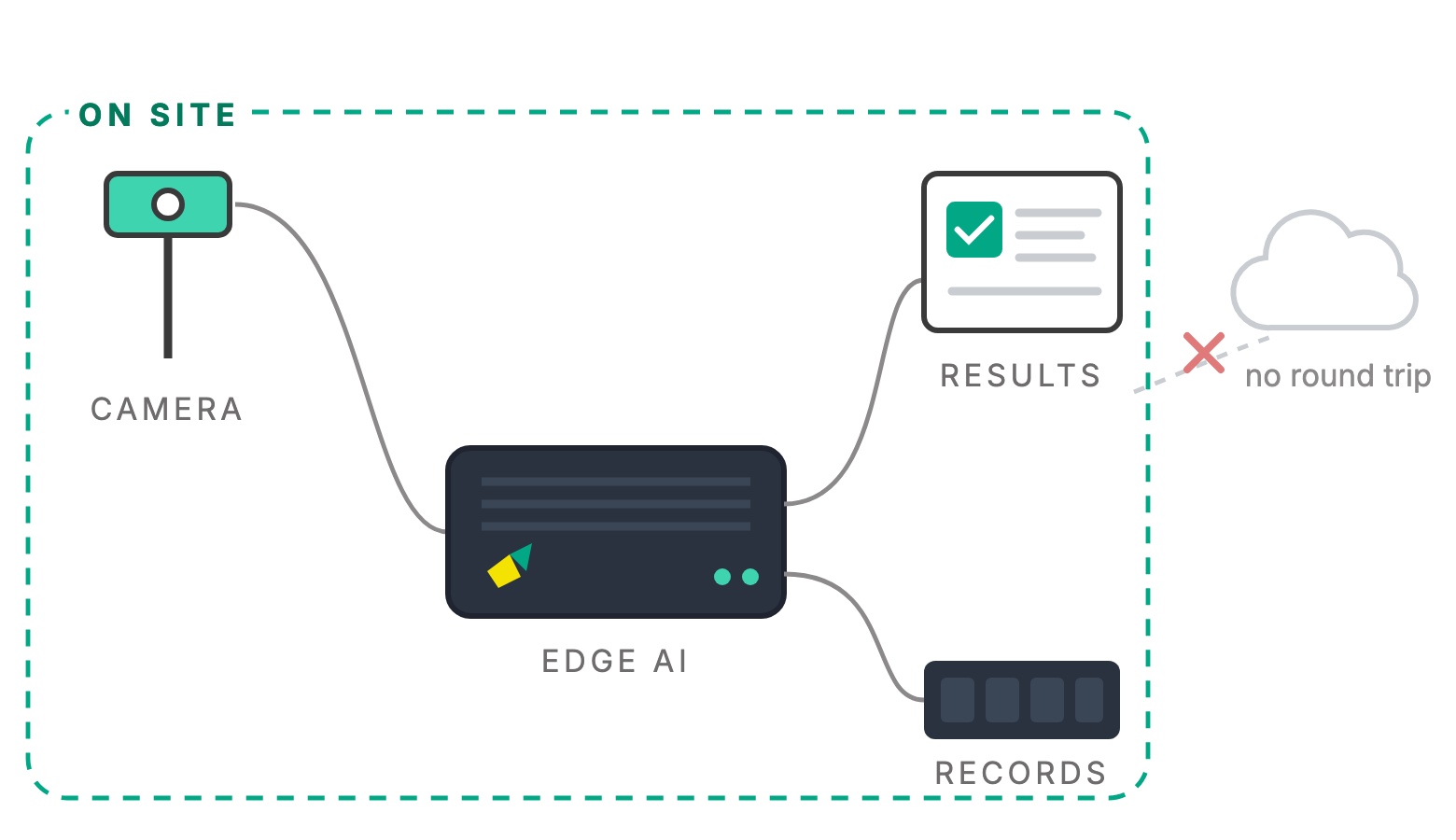
The model is designed to run on a small computer in the restaurant. The cameras send their pictures a few metres, not to a data centre. The numbers appear during service, and the pictures stay in the building.
This is the same architecture as our Embedded Edge AI work: the model is layered onto hardware you already own, and the analysis is done at the point of capture.
The numbers arrive during service
A queue forming or a station left empty is only useful to know about while it is happening, not in tomorrow’s report.
The pictures stay in the restaurant
Guests and staff are analysed where the camera is. What leaves is a number per table, station or hour.
It keeps running offline
A basement kitchen or a busy food court is not always well connected. Counting carries on, and the numbers catch up when the link returns.
Four zones, one model
A working restaurant has four places where things happen. Below is what is being trained for in each, listed in full, so you can see what it will be asked to handle, including the awkward parts.
What crosses the counter
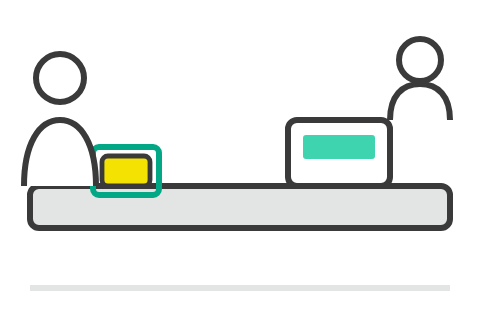
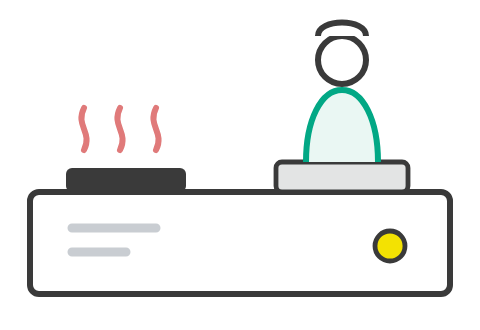
When the counter is busy, how long people wait to be served, and the items placed on it, counted the same way a tray is.
Who is at which station
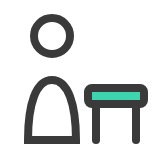
Which stations are staffed and when, how long one stands empty, and how the kitchen actually behaves at the peak.
Covers, tables and turns
How many covers each table seats, how full the room is through service, and how long a table takes to turn.
Who came and went
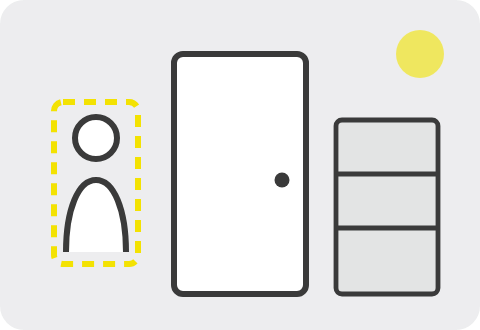
Counts of entries and exits by hour, deliveries and stock-room visits, and an alert when someone is there out of hours.
One photo per tray, items counted, barcodes read against the order, pass or hold. The same on-site approach this page builds on.
Being trained on the scenarios on this page. We will say when it is proven, and where, rather than before.
The hard cases, on purpose
A model trained only on bright, quiet, orderly pictures fails on the first busy Friday. These are in training deliberately, because they are what a real counter, kitchen and dining room look like.
Dim, moody lighting
Dining rooms are dark on purpose. Candles, neon and spotlights change what the camera sees, and a dim room is a standard test, not a special one.
Tables pushed together
A party of ten at two joined tables is one party, not two half-empty tables.
Guests who stand
A guest standing to greet a friend, or to leave, is still a cover at that table.
Children and babies
A toddler on a lap, a child in a high chair. Whether each counts as a cover is your decision, agreed at setup and applied the same way every day.
Staff and guests
A waiter leaning over a table is not a guest. Staff are kept apart from covers, so serving a table does not fill a chair.
Kitchen light that changes
Flames, steam, extractor hoods, a door opened to the yard. The same station has to read the same way at the start of service and at the end.
The peak itself
Peak time is its own scenario, not an average of quiet ones. Movement is faster, stations swap hands and everything overlaps.
A short gap is not an empty station
A cook who steps away for a minute is not a station left empty. Short gaps and real gaps are told apart by a time you set.
On cameras and people. A restaurant is a place where guests relax and staff work all day, so the design starts from the least that answers the question: how many people, how long, which station, not who. It counts people; it does not identify them. It is for planning the rota and the room, not for watching individual staff. Cameras stay out of toilets and anywhere else privacy is expected. What is lawful for a camera to do differs by premises and by country, so each venue is scoped against where it is installed, with signage and retention agreed before anything is switched on.
And what it is not, plainly. It is not a cloud service: nothing needs to be uploaded for it to work. It does not replace your till or booking system; it reports numbers that can sit beside them. It does not identify guests and does not score staff. And the restaurant model is in training, not in service. The Warehouse QC tray check is the one running today.
Running now. One camera checks a whole tray from a single photo: every item counted, every barcode read.
Every parcel verified and traced at the dock, before it leaves.
Footfall, dwell and queues from the cameras already in store.
All four edge systems: Warehouse QC now; Dispatch Traceability, Retail Video Analytics and F&B Video Analytics coming soon.
Frequently asked
When will it be available?
Not yet. The warehouse tray check is the model running today. The restaurant model is being trained on the four zones and the difficult conditions listed on this page. Register interest if you want your restaurant to be one of the places it is proven in. We will say when it is proven, and where, rather than before.
Does it identify guests?
No. It counts people; it does not identify them. The output is a number per table, station or hour, not a record of who anybody is.
Does it watch our staff?
It reports whether each kitchen station is staffed, when it stands empty and for how long, so rotas can be planned. It is not built to rank or score individuals, and it does not need to know who they are.
Do we need new cameras?
Often not. A dining room usually needs a wide view from above, and a kitchen needs a view that survives steam and changing light. The site survey checks the cameras you have, says which can do which job, and says where one more is needed, and why.
Does it work in a dark restaurant?
Low light is one of the listed scenarios, because many dining rooms are dim on purpose. The site survey tests at the lighting you actually run during service, not the lighting of the afternoon.
What happens at a table for six with three people at it?
It is reported as partly occupied: three of six. Tables of one, two, four and six are trained separately, and a party at two tables pushed together is counted as one party.
Can it connect to our till or booking system?
It reports numbers by table and by hour that can be compared with the covers and sales in your till. How the two are joined, if you want that, is scoped at the site survey. No customer details are needed.
Does the footage leave the restaurant?
No. The model runs on a small computer on site, next to the cameras. The numbers are what you choose to send anywhere. The pictures stay where they were taken.
Which kinds of venue is it for?
Restaurants, cafés and food courts are what it is being trained for. The site survey decides whether a given site suits it, because the room and the camera positions matter more than the cuisine.
How is it priced?
Quote-based, after a site survey, because the price depends on how many cameras and zones there are and whether the existing hardware can be used. There is no public price list.
See it in your restaurant
A site survey looks at your counter, kitchen, dining room and door, the cameras you already have, and the light you actually run at service. You get a straight answer on what it would measure and what it would not.